Will These 7 AI Tools Make You Faster? Start with the Bottleneck
“AI tool” now describes products that perform very different jobs. One searches and summarises existing notes; another drafts code, a website, or an edit; a third rearranges a calendar. What they share is the ability to generate an output or action from supplied context—not an ability to guarantee that the result is correct.
A workflow includes every step required to finish the work: research, production, review, correction, and publication. If a tool shortens generation while adding more verification, the complete workflow may not become faster. Adoption should therefore begin with the step that is actually causing delay.
The seven products below are not a ranking and they are not substitutes for one another. Each section identifies a narrow job the product may remove, the condition that makes it useful, and the new work it can introduce.
1. Notion AI: useful when the knowledge already lives in Notion
Notion AI combines search, summarisation, and writing tools with the pages in a Notion workspace. That can reduce context switching when project notes, decisions, and documentation already live there. When the source material is scattered or poorly maintained, AI does not magically turn it into a trustworthy knowledge base.
A practical first use is not asking for a long document from a blank page. Give it an existing meeting note and ask for decisions, owners, and unresolved questions. Someone who attended the meeting still needs to check the result.
2. Claude Code or Copilot CLI: bounded development work
Coding agents can inspect a repository, change files, and run commands. That makes them valuable on small tasks with a clear verification path and dangerous on vague ones. A tested bug, mechanical migration, or tightly described refactor is a better trial than “improve this application.”
An older version of this article recommended Sourcegraph Cody as a current individual product. Sourcegraph ended Cody Free and Pro on 23 July 2025, so that recommendation no longer belongs here. I examine the mixed evidence around coding-agent speed and quality separately in the Claude Code and Copilot CLI analysis.
3. Descript: editing spoken audio and video through text
Descript’s useful distinction is transcript-based editing. For an interview, podcast, product demo, or screen recording, removing a sentence from text can be faster than finding every cut on a timeline. That advantage is specific to speech-led material. It does not replace a full editor for precise colour work, motion design, or a demanding sound mix.
4. Typedream: a simple page that needs to ship
Typedream uses a prompt to produce an initial website draft that can be changed in a visual editor. It may shorten the path to a waitlist, event page, or small landing page used to test an idea. If the product needs custom data flows, detailed access control, or unusual interactions, the quick start can turn into a rebuild once the platform boundary appears.
5. Durable: a first site for a local service business
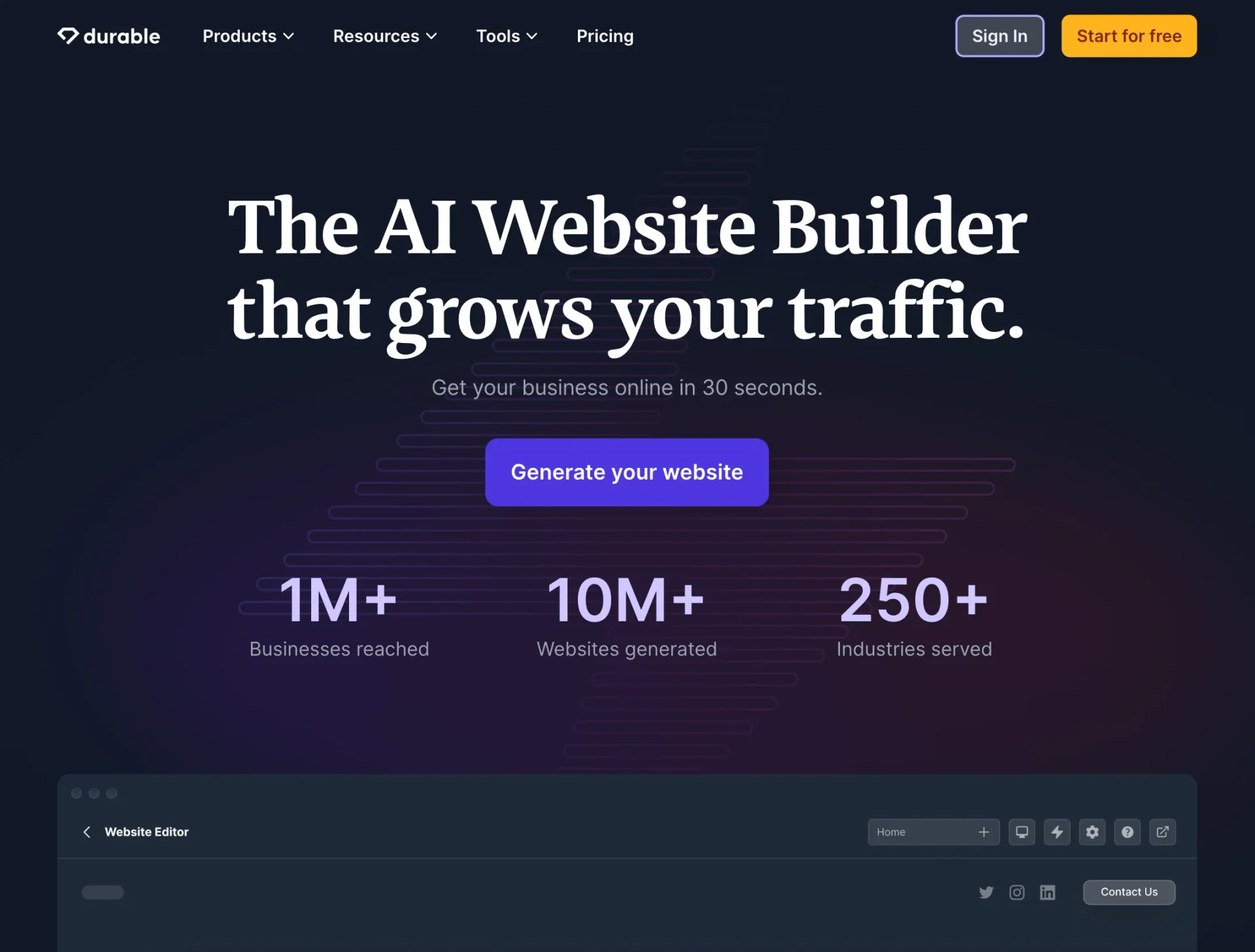
Durable generates a site draft from a business type and location, including copy, sections, and imagery. For a small service business with no site, that is a more useful starting point than a blank canvas. Every generated claim, service area, image, and contact detail still needs review. A site appearing in minutes does not mean the brand and content are finished in minutes.
6. Perplexity: an entrance to research, not a substitute for reading
Perplexity can accelerate the first pass of research by presenting links beside its answers. It is helpful for learning the vocabulary of a subject, locating likely sources, and discovering competing views. The answer screen is not the source. Important claims still need to be checked in the linked document, against its date, and preferably against a primary source.
7. Motion: only when calendar planning is the bottleneck
Motion places tasks, durations, and deadlines onto a calendar automatically. That can help when the recurring problem is fitting many small tasks into a day. It will not solve unclear priorities or chronic overcommitment. Automatic scheduling distributes capacity; it does not create more of it.
Run a small measurement before adopting anything
Count the bottleneck for a week. How long does meeting follow-up take? How many cuts does each recording need? How many primary sources are opened during research? How often is the day replanned? Then test one tool against one real task.
- Was correcting the output faster than doing the task directly?
- Did the tool create a new review, transfer, or formatting step elsewhere?
- Did the task require sending sensitive information?
- Can the output and data leave with you if the subscription ends?
- Did the result hold up on the second and third attempt?
Installing all seven products before answering those questions does not create speed; it creates seven new habits to maintain. The best tool is not the one with the most impressive demonstration. It is the one that repeatedly makes a measured bottleneck smaller.
Primary sources
- Notion — Notion AI help centre
- Sourcegraph — ending Cody Free and Pro
- Descript — product overview
- Typedream — AI website builder
- Durable — AI website builder
- Perplexity — product page
- Motion — automatic scheduling
Product scope was checked against official sources on 28 July 2026. Features and plan terms change, so consult each vendor’s current documentation before buying.
About the Author

Enes Kaymaz
Enes Kaymaz
Designs, writes code, and occasionally turns the two into a product.
Read More About Me →Related Posts
View All →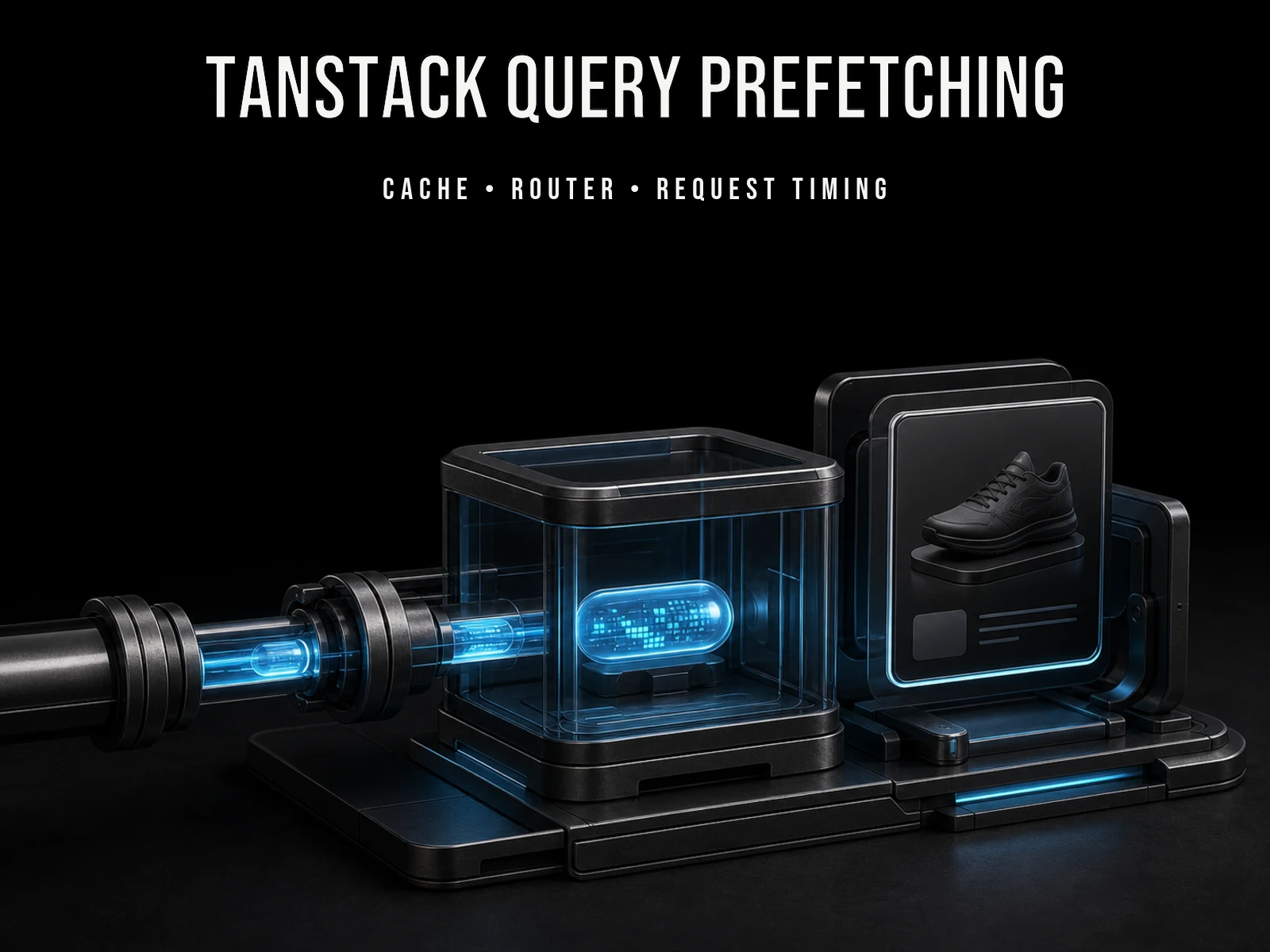
TanStack Query Prefetching: Start the Request Before Navigation
Prefetching does not make an API faster; it starts likely future work earlier. This practical TanStack Query v5 guide covers query keys, freshness, request waterfalls, router and SSR choices, and how to measure the tradeoff.
Read More →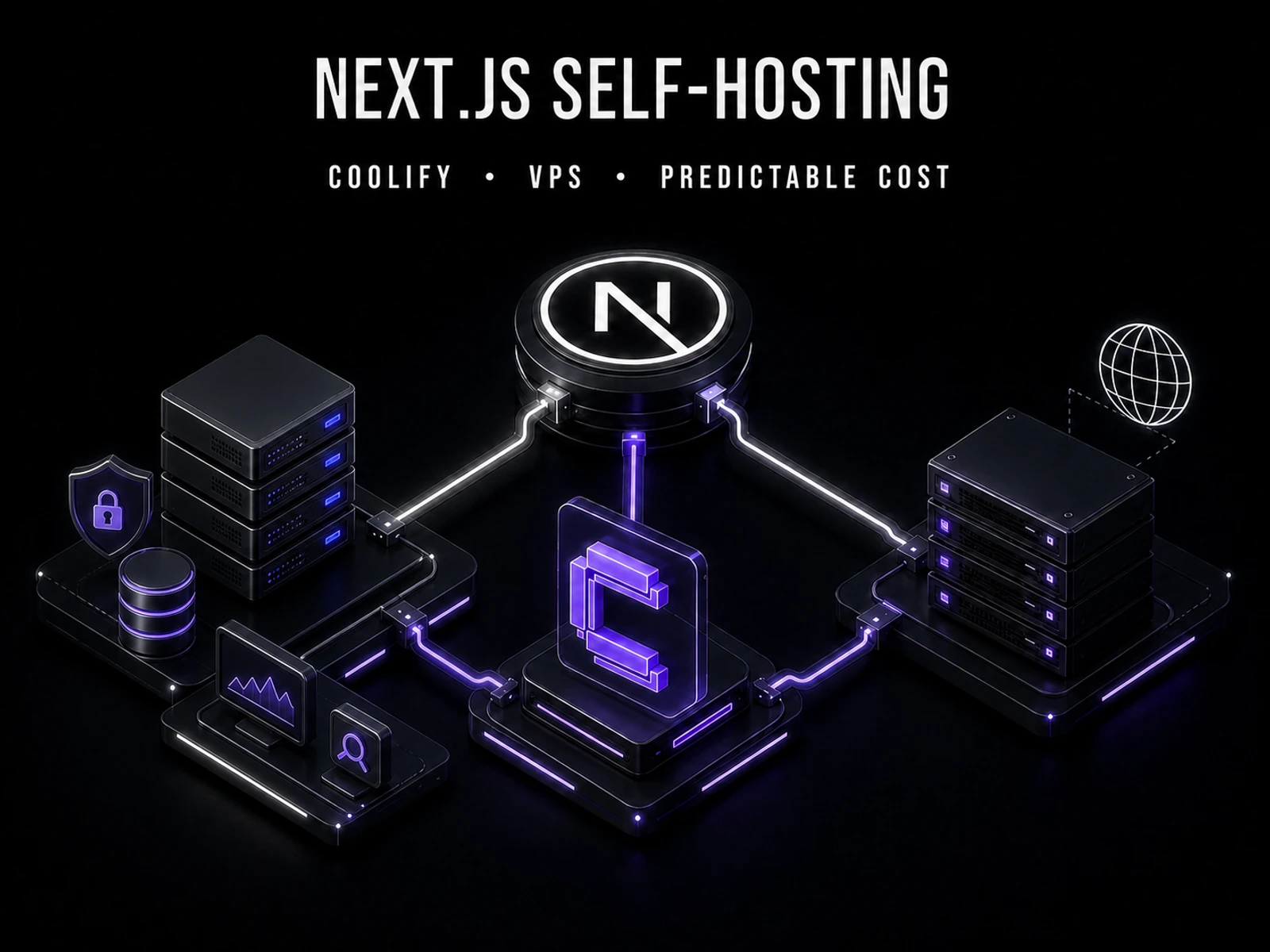
Where Should a Next.js App Run? Vercel vs Coolify on a VPS
A source-checked comparison of Vercel and Coolify on a VPS: what each one manages, what it costs, and which risks remain yours.
Read More →Subscribe to my newsletter
Get the latest updates on design, development, and tech trends.