TanStack Query Prefetching: Start the Request Before Navigation
A fast endpoint can still feel late
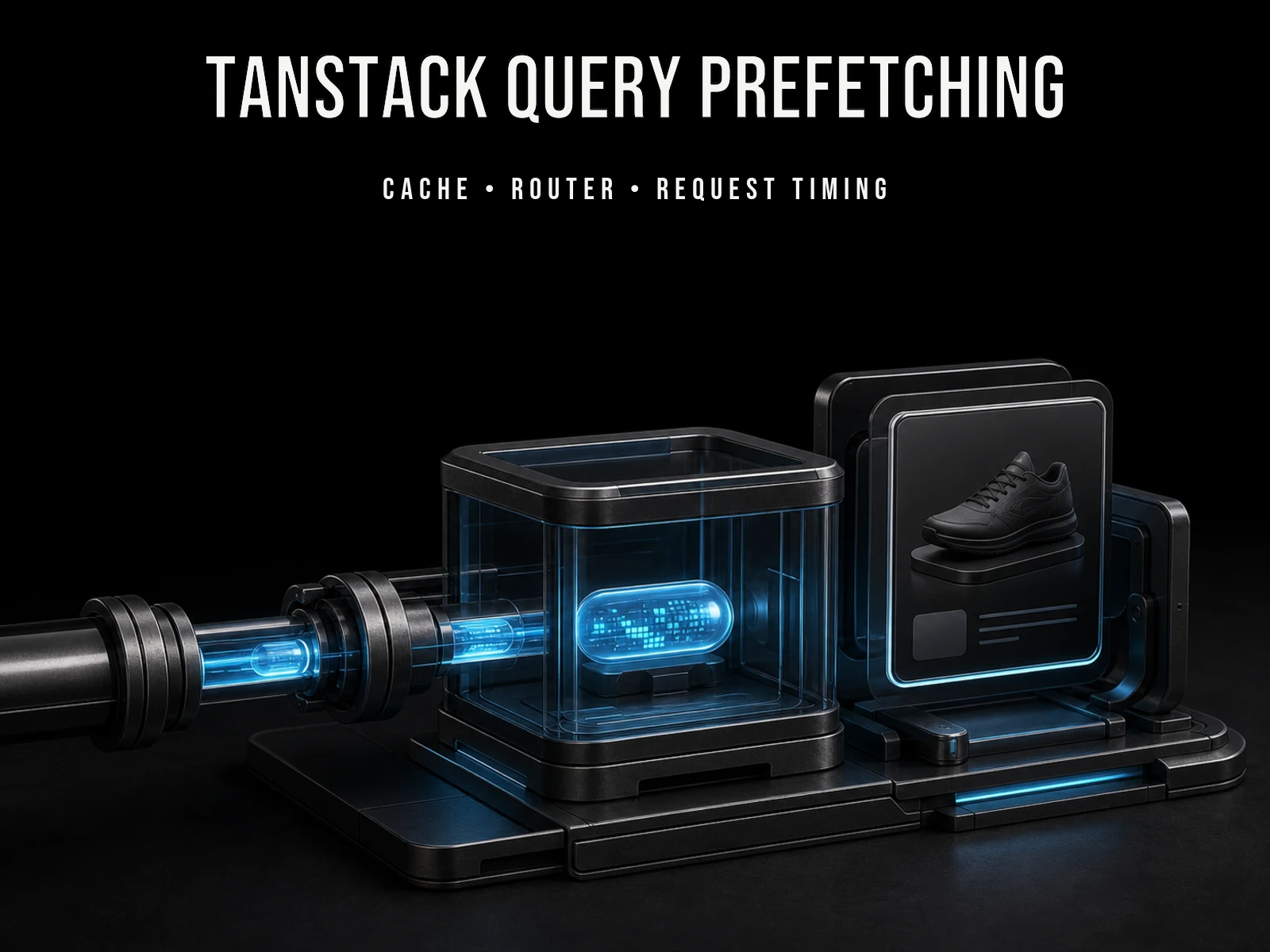
Not every loading state in a React application points to a slow API. Sometimes the server responds quickly, but the application waits too long before asking. The user chooses an item from a list, navigation begins, the detail component renders, and only then does the request start.
TanStack Query is a library for fetching, caching, and updating server data in React applications. Prefetching means running a likely future query before a component needs it and placing the result in TanStack Query’s cache.
That distinction matters. Prefetching does not make the network or backend faster. It moves some or all of the wait to an earlier moment. If the user continues to the detail view, the data may already be available. If they do not, the application paid for a response it never used.
The useful question is therefore not “Where can I call prefetchQuery?” It is “Where does the interface give me a reliable enough signal about the next data requirement?” This guide answers that question for TanStack Query v5 without turning every interaction into speculative traffic.
The cache contract comes before the interaction
A prefetch only helps when the producer and consumer agree on the same query. TanStack Query identifies cached data by its queryKey. If a list card prefetches ['product', productId] but the detail page reads ['product'], those are two cache entries. The request may finish successfully and still fail to remove the loading state.
The safest starting point is a shared query-options function:
import {
  queryOptions,
  useQuery,
  useQueryClient,
} from '@tanstack/react-query'

function productQuery(productId: string) {
  return queryOptions({
    queryKey: ['product', productId],
    queryFn: () => fetchProduct(productId),
    staleTime: 60_000,
  })
}
This keeps the key, query function, and freshness decision together. TanStack Query’s query-key guide says variables used by the query function should be represented in the key. A missing identifier, locale, filter, or page number is not only a prefetch bug; it can make unrelated results compete for the same cache entry.
A cache key is not an authorization boundary. User access must still be checked by the backend. The key only tells the client which cached result belongs to which query.
Start with one high-confidence signal
Desktop pointer movement is an obvious signal, but hover alone is incomplete. Keyboard users express the same intent by focusing a link, and touch interfaces may not provide a useful hover phase at all.
function ProductLink({
  productId,
  children,
}: {
  productId: string
  children: React.ReactNode
}) {
  const queryClient = useQueryClient()

  const prefetchProduct = () => {
    void queryClient.prefetchQuery(productQuery(productId))
  }

  return (
    <a
      href={`/products/${productId}`}
      onMouseEnter={prefetchProduct}
      onFocus={prefetchProduct}
    >
      {children}
    </a>
  )
}
The detail component uses the same options:
function ProductDetail({ productId }: { productId: string }) {
  const product = useQuery(productQuery(productId))

  if (product.isPending) return <ProductSkeleton />
  if (product.isError) return <ProductError />

  return <ProductView product={product.data} />
}
According to TanStack Query’s current prefetching guide, the prefetched result is cached like a normal query. At render time, the detail query can use that entry immediately, continue an in-flight request, or fetch again depending on its freshness.
| Moment | Without prefetch | With intent prefetch |
|---|---|---|
| Link receives hover or focus | No detail request | Detail request can start |
| User navigates | Route transition starts | Request may be running or complete |
| Detail component renders | Request starts now | Matching cache entry is consumed |
For touch-heavy interfaces, route loaders, navigation start, or visibility can be better signals. The choice should follow observed user behaviour and payload cost, not a universal event-handler recipe.
Freshness is a product decision
staleTime and gcTime answer different questions:
staleTimecontrols how long cached data is considered fresh. Unless it is invalidated, a fresh query does not refetch merely because another consumer mounts.gcTimecontrols how long an inactive query may remain in the cache after no component is observing it.
TanStack Query’s important defaults currently treat cached query data as stale by default and garbage-collect inactive queries after five minutes. Stale does not mean absent: stale data can still render immediately while a refetch runs in the background. Garbage-collected data is gone, so the next consumer starts without that cached result.
A common mistake is setting staleTime on the prefetch call and assuming the later useQuery inherits it. It does not. Shared query options prevent the prefetch and consumer from silently applying different freshness rules.
There is no honest global value for freshness. A product description may tolerate a longer window. Inventory, an auction, or a live operational status may not. Choosing staleTime is first a decision about how old the displayed data is allowed to be; its performance effect comes second.
Use the method whose failure contract matches the job
Several QueryClient methods can populate or read the cache, but they do not promise the same result to the caller.
| Method | Caller receives | Failure behaviour | Good fit |
|---|---|---|---|
prefetchQuery |
Promise<void> |
Does not throw | Prepare likely future data without using it now |
fetchQuery |
Query data | Throws on failure | Use the result in the current flow or handle a critical error |
ensureQueryData |
Cached or fetched data | Can surface a required fetch failure | Return cached data when present, otherwise fetch it |
setQueryData |
Data written to the cache | No network request | Prime the cache with data already available synchronously |
The QueryClient reference describes the non-throwing prefetch behaviour as a graceful fallback. A failed hover request should not turn an optional optimisation into an error screen; the real query can try again when the view opens.
That silence is wrong when data determines whether a route can render. If a missing product must produce a 404, use a method that returns data and exposes the failure, such as fetchQuery. “Put this in the cache if possible” and “I need this answer before continuing” are different contracts.
Prefetching can remove a waterfall, not a dependency
Suppose an article view fetches the article first. Only after that component renders does a child request the comments:
1. |----- article -----|
2.                       |----- comments -----|
If the comments request does not depend on the article response, starting it in a parent or route can run both requests in parallel:
1. |----- article -----|
1. |----- comments ----------|
TanStack Query’s request-waterfall guide identifies serial component fetching as a major performance risk. Here prefetching does more than hide latency: it removes an unnecessary ordering constraint.
It cannot remove a real dependency. If the second request needs a userId returned by the first, the application does not yet know the required input. The better fix may be a backend endpoint that combines the answers or exposes the identifier earlier. Prefetching cannot guess a parameter that does not exist yet.
Choose the layer that knows soonest
An event handler is a good first experiment because it is small and reversible. It is not always the best final home for the policy.
Component tree
A parent can start data that a descendant will probably need. With Suspense, TanStack Query provides usePrefetchQuery and usePrefetchInfiniteQuery so the work can begin before the suspenseful consumer blocks rendering. A useEffect can also prefetch, but an effect in the same component as a suspending query will not run until that query resolves. That can preserve the waterfall you meant to remove.
Router
When the route already knows its data requirements, a loader can act before the component tree. Critical data may be awaited, while secondary queries can start without blocking the whole view. This is also a product decision: is the route meaningless without the result, or can one section arrive later?
Server rendering
Successful server-prefetched queries can be serialized with dehydrate and restored on the client through HydrationBoundary. TanStack Query’s SSR and hydration guide recommends a non-zero default staleTime for server rendering when an immediate client refetch is undesirable.
Create a QueryClient per server request. Sharing one cache across requests risks sharing cached user data across visitors. Framework details still matter: TanStack Query’s prefetching guide does not replace the cache and rendering rules of Next.js, Remix, or another router.
Infinite prefetching has a visible bill
prefetchInfiniteQuery fetches the first page by default. Fetching more requires pages and a getNextPageParam function:
await queryClient.prefetchInfiniteQuery({
  queryKey: ['projects'],
  queryFn: fetchProjects,
  initialPageParam: 0,
  getNextPageParam: (lastPage) => lastPage.nextCursor,
  pages: 2,
})
The fact that three pages can be prefetched does not make three pages a good default. Each page consumes network, backend, and cache capacity. If most users stop after the first screen, preloading the next two is unused transfer rather than a speed improvement. Page count should follow navigation rates and payload size.
When prefetching makes the application worse
- The intent signal is weak. A pointer passing over a long grid can trigger many low-probability detail requests.
- The payload is expensive. Maps, reports, media, and large analytical responses impose a real cost, especially on mobile connections.
- The data changes quickly. A long freshness window may remove a spinner by displaying information that is too old for the product.
- The query key is incomplete. Missing locale, identity, filter, or pagination inputs can match the wrong cached entry.
- The backend is the bottleneck. Starting a five-second endpoint two seconds earlier hides part of the delay; it does not repair the query, index, or payload.
- Nobody measured the original wait. Added traffic and cache policy are not free when users already perceive the transition as immediate.
Prefetching works best for a likely next step with a moderate payload and a stable cache identity. Fetching the whole application because it might be needed is eager loading with a more fashionable name.
Measure one path before designing a system
Pick one list-to-detail transition. Record the request start and the empty loading time in the browser’s Network panel. Add hover and focus prefetching, then test three cases:
- Navigate immediately. Did the request begin before navigation?
- Wait for the prefetch to finish. Does the detail query render cached data immediately?
- Navigate after
staleTimeexpires. Does cached data remain visible while the expected background refetch occurs?
Use TanStack Query Devtools to inspect the exact key, fresh or stale state, and cache lifetime. Also test a failed prefetch, a slow connection, and a pointer that leaves without a click. A perfect fast-network demo does not reveal the cost of the optimisation.
The practical decision
Do not begin with a prefetching abstraction that covers every route. Choose one detail screen that users open often, whose response is small, and whose query key is unambiguous. Share its query options, support both pointer and keyboard intent, and measure the result.
If the wait disappears without a meaningful increase in unused traffic, repeat the pattern where the same evidence exists. If it does not, removing the prefetch is a successful result too. The useful metric is not how many requests started early. It is how many real waits disappeared without turning likely intent into indiscriminate data transfer.
Primary sources
- TanStack Query: Prefetching & Router Integration
- TanStack Query: Performance & Request Waterfalls
- TanStack Query: Important Defaults
- TanStack Query: Query Keys
- TanStack Query: QueryClient API reference
- TanStack Query: Server Rendering & Hydration
TanStack Query behaviour and links were checked against the official v5 React documentation on July 31, 2026. Recheck cache defaults, router examples, and SSR guidance when upgrading the library.
About the Author

Enes Kaymaz
Enes Kaymaz
Designs, writes code, and occasionally turns the two into a product.
Read More About Me →Related Posts
View All →
Where Should a Next.js App Run? Vercel vs Coolify on a VPS
A source-checked comparison of Vercel and Coolify on a VPS: what each one manages, what it costs, and which risks remain yours.
Read More →
Framer vs Next.js: A 2026 Guide for Portfolios, SaaS, Ecommerce, and Landing Pages
What Framer and Next.js actually do, where each one fits, and when a portfolio, application, store, or landing page needs a different answer.
Read More →Subscribe to my newsletter
Get the latest updates on design, development, and tech trends.