10 Interactive Three.js Sites Worth Exploring
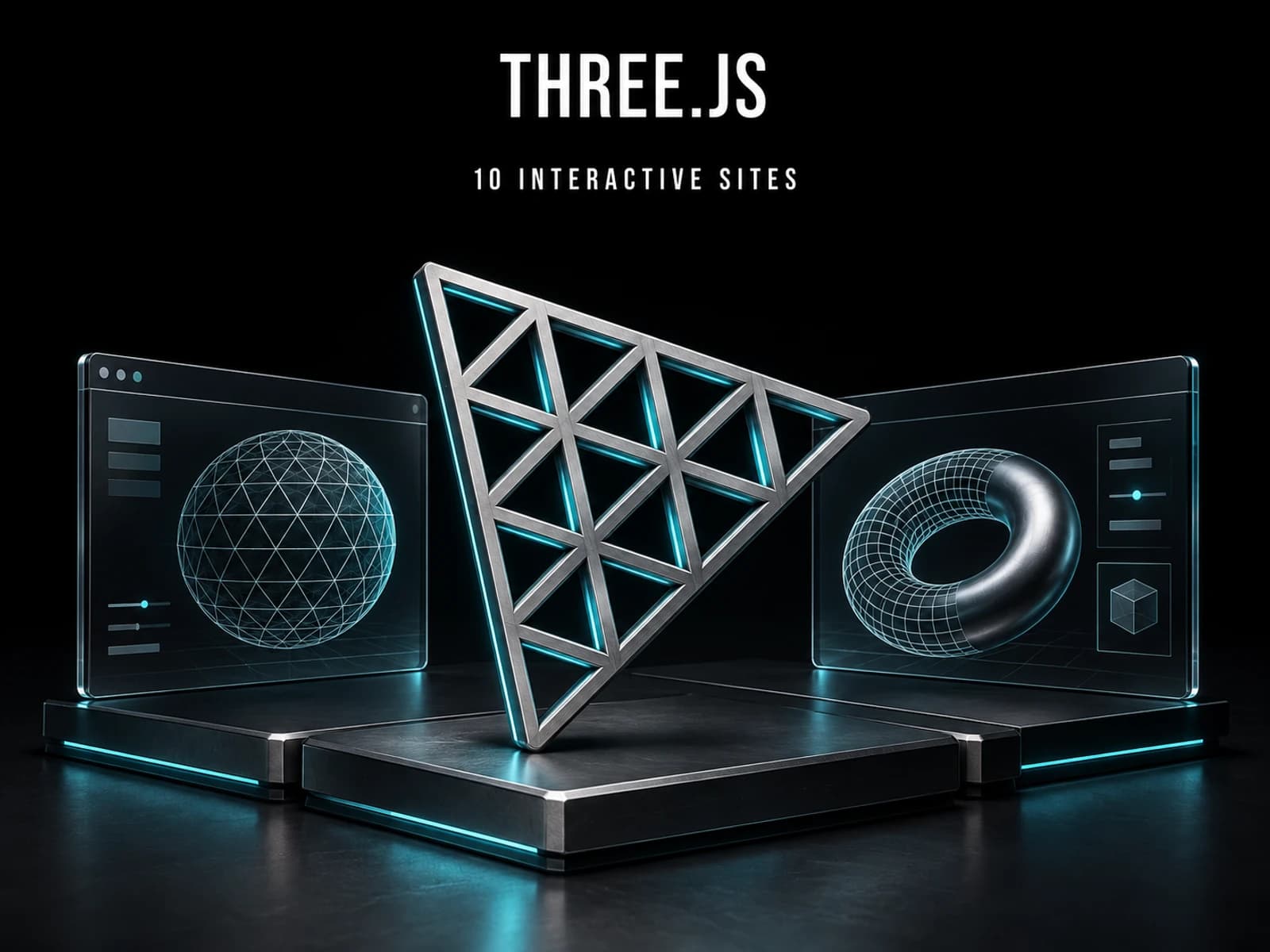
In one of the projects below, you can pilot a vehicle above a neon city. In another, you decorate a paper character and print it to assemble later. Both run in a browser, but they ask very different things of the visitor. For a designer collecting references, how these sites work is at least as interesting as how they look.
The ten projects below are built with Three.js, a JavaScript library for working with 3D scenes in the browser. It provides the means to arrange models, cameras, lights and materials. The projects put those tools to different uses: some offer a place to explore, others help visitors configure an object or make something of their own.
This selection is for designers and developers looking for references for a website, portfolio or creative tool. Each example includes a recording and a link to the live project. FormDrive is my own work; the remaining projects are credited to their creators. Start with the kind of experience you want to examine, rather than treating the selection as a league table.
A city you can spend time in
Adrian Red's Cyber City Orion gives you somewhere to go. You can fly above the buildings, cross rooftops and seek out arcade games. The project account names Blade Runner and Cyberpunk as influences, which are readily apparent in the neon cityscape.
Travel takes time here, and that is part of the attraction. The environment has activities to support the promise of exploration. For anyone considering a navigable world as a website, Orion raises a useful design question: what will visitors actually do once they have learned to move?
A studio website with a directed route
Shader.se takes control of the journey. Scrolling draws the camera towards a beige computer, then carries you through work, office and team scenes. The studio's references to 1980s business technology continue across those sections.
Co-founder Filip Kantedal's account of making the site explains the corporate humour behind the setting. Follow a transition all the way through: the next section belongs to the same visual world. That continuity is worth examining alongside the individual animation.
Leaving room for a simpler view
A collection introduces another need: sometimes you want to browse, and sometimes you want to find something again. In the Playground on Pixel Vault 2047, the fashion archive can be arranged around a circle or displayed as a grid.
The switch gives the visitor a say in the presentation. A spatial arrangement can establish the character of an archive, while a grid makes it easier to scan several entries together. For a portfolio, it is worth considering both the first visit and the return visit before committing everyone to the same route.
Looking at a room, then at a surface
Once the subject is a product, the viewing conditions deserve attention. Anderson Mancini's Lumen Decor Studio 2 lets you switch the lighting of a furnished room. Copper Haze and Ink Hush leave the furniture in place while changing how the interior is lit.
Watch the walls and upholstery in the recording. Keeping the room fixed makes the lighting change easier to follow. It is a focused example for someone working on an interior presentation: you can explore a useful difference without starting with a room-planning tool.
Giuseppe Paccione's 03 Configuratore brings the view closer, to a chair. Upholstery, wood and environment choices affect its preview, which gradually resolves after an adjustment. The initial grain clears as the image calculation continues.
Give a selection time to settle before moving to the next one. The pause makes it possible to inspect the finish, rather than only noticing a change of colour.
Choosing how an object is put together
A configurator combines predefined choices into a version of a product. FormDrive, the automotive studio I developed, offers three vehicles with paint, wheel, moving-part and lighting controls. Free rotation and preset camera views let you examine the car from different positions.
Its scope is visual exploration, with no pricing or ordering flow. The application code is available on GitHub; vehicle assets have separate licensing terms documented in the repository. In the recording, the same Mustang remains the subject as its appearance and lighting change.
GIRIH X Furniture Configurator carries a bathroom vanity configuration into a parts breakdown, dimensioned cutting information and an indicative price. Presets give you a starting design before you adjust its details.
The model and the information describing its construction stay together. That relationship is relevant when a product presentation needs to explain what a selection includes. The displayed prices are demonstration rates, excluding installation and Australia's goods and services tax, GST; they are not a purchase quote.
A design you can print and fold
Paper Critters provides a different destination for customization. You decorate a 3D paper character with stickers and turn the result into a printable PDF with cutting and folding guides. The creator's post explains how stickers continue across adjacent faces. Rotating the character shows how those surfaces will meet when the paper is assembled.
For a project like this, the shape is part of the editing problem. A flat sheet alone would make the visitor work out how the decoration lands around the corners.
Making visuals inside the browser
Nodl is a visual editor for building real-time 2D and 3D graphics. Its nodes are connected blocks representing shapes and effects. The connections describe how the image is made, with changes visible in the preview as you work.
Opening a template is a practical way to see that relationship before building a graph from scratch. The recording below shows the animated introduction; the site's editor is where to investigate the authoring controls. This is a different kind of reference from a finished studio website, particularly if your own project involves arranging controls around a live result.
Taking an image apart to understand it
In Black Hole Simulation, you can hide the accretion disk, the representation of matter surrounding the black hole. That leaves the distorted background light easier to inspect on its own. The recording shows the disk being switched off and back on.
I have not independently validated the physics. The reference here is the interface: it allows a viewer to separate contributions to an image while retaining the same scene.
Save the interaction you want to revisit
The browser can be a place to explore, a way to inspect a product or a surface for making something. Each role calls for different controls. Orion gives visitors reasons to move through its city; Paper Critters gives them a finished design to take away. The useful reference is the relationship between those actions and their purpose.
Pick the example closest to something you are designing. Follow one action from its starting point to its result, then note what the visitor changed, what remained visible and where the action led. Add the reason it matters to your own work. That small record will give you something specific to design from, long after the first visual impression has faded.
Further project material
The live sites are linked throughout. For implementation context and attribution, see the FormDrive repository, the creator posts for Paper Critters, Pixel Vault and Nodl, and the Black Hole Simulation source.
September 21, 2026. The live-site footage was recorded on August 9 and 14, 2026.
About the Author

Enes Kaymaz
Enes Kaymaz
Designs, writes code, and occasionally turns the two into a product.
Read More About Me →Related Posts
View All →
TanStack Query Prefetching: Start the Request Before Navigation
Prefetching does not make an API faster; it starts likely future work earlier. This practical TanStack Query v5 guide covers query keys, freshness, request waterfalls, router and SSR choices, and how to measure the tradeoff.
Read More →
Where Should a Next.js App Run? Vercel vs Coolify on a VPS
A source-checked comparison of Vercel and Coolify on a VPS: what each one manages, what it costs, and which risks remain yours.
Read More →Subscribe to my newsletter
Get the latest updates on design, development, and tech trends.