When Does daisyUI Help? The Trade-off Behind Shorter Tailwind Markup
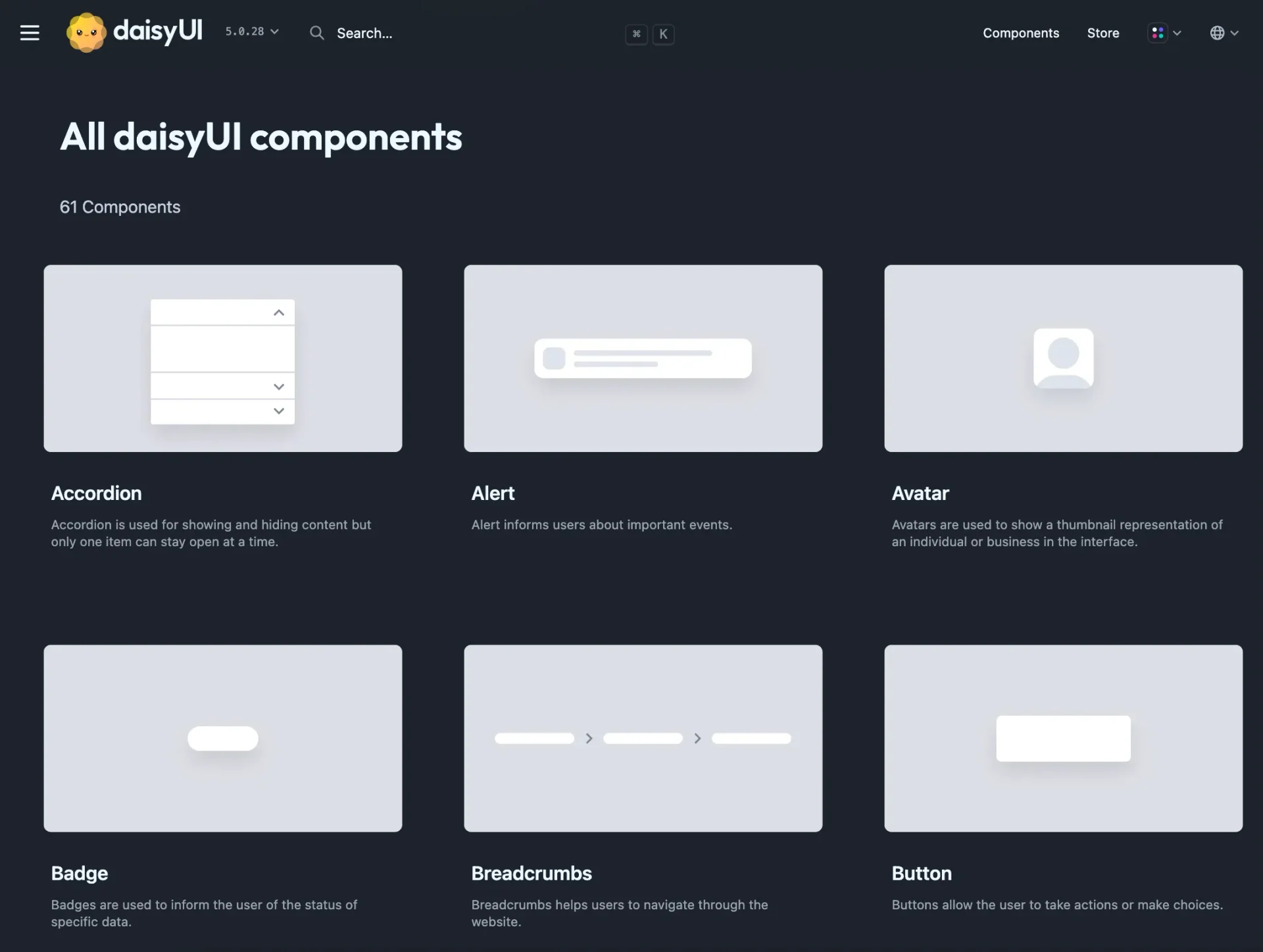
Tailwind CSS is a CSS framework built around small utility classes composed directly in markup. A button’s colour, spacing, border, and radius can each be expressed by a class. That is flexible, but ten copies of the button can become ten slightly different maintenance decisions.
daisyUI is a Tailwind plugin that places higher-level component classes such as btn, card, and alert over repeated utility patterns. It does not add React components or a browser runtime. It adds a vocabulary and a theme system to the CSS layer already in use.
The benefit is therefore larger than shorter HTML: conventional controls acquire shared states and theme tokens. The cost comes from the same abstraction, because the interface begins to speak daisyUI’s component language. The decision is whether that language removes more work than it creates.
What daisyUI adds
daisyUI is a collection of CSS classes built through Tailwind’s plugin API. It does not add a React component layer or a client-side runtime. Tailwind utilities remain available on the same elements whenever a component needs adjustment.
The current release also includes 35 themes. They use CSS variables, allowing one component structure to take on a different color and surface system. Projects can enable selected themes, customize one, or define their own.
Where it saves time
- an admin panel, internal tool, or prototype repeats conventional controls,
- a separate component library would be unnecessary overhead,
- several themes need to be tested quickly,
- the project wants readable component names without giving up utilities.
In those cases, not rebuilding ordinary button states, alerts, and form controls is a concrete saving. The first version also begins with a more consistent vocabulary.
Where the abstraction becomes expensive
A highly specific visual language may require enough overrides to return the time saved at the start. A design system is more than colors and border radii; spacing, hierarchy, interaction states, accessibility, and component APIs have to evolve together. daisyUI supplies a starting point, not those product decisions.
Shorter class names do not guarantee accessibility either. Correct elements, labels, keyboard behavior, focus management, and useful errors still belong to the application.
A practical test
daisyUI is a useful Tailwind layer when a conventional interface needs to become consistent quickly. A custom component layer makes more sense once most components require product-specific appearance and behavior.
Build one representative form both ways. Do not count classes. Compare the work required to add a second variant, apply dark mode, and change the component a month later. That is the maintenance cost the choice is really making.
Primary sources
Documentation was checked on July 28, 2026.
About the Author

Enes Kaymaz
Enes Kaymaz
Designs, writes code, and occasionally turns the two into a product.
Read More About Me →Related Posts
View All →
TanStack Query Prefetching: Start the Request Before Navigation
Prefetching does not make an API faster; it starts likely future work earlier. This practical TanStack Query v5 guide covers query keys, freshness, request waterfalls, router and SSR choices, and how to measure the tradeoff.
Read More →
Where Should a Next.js App Run? Vercel vs Coolify on a VPS
A source-checked comparison of Vercel and Coolify on a VPS: what each one manages, what it costs, and which risks remain yours.
Read More →Subscribe to my newsletter
Get the latest updates on design, development, and tech trends.