Coolify: What It Solves—and What It Still Leaves to You
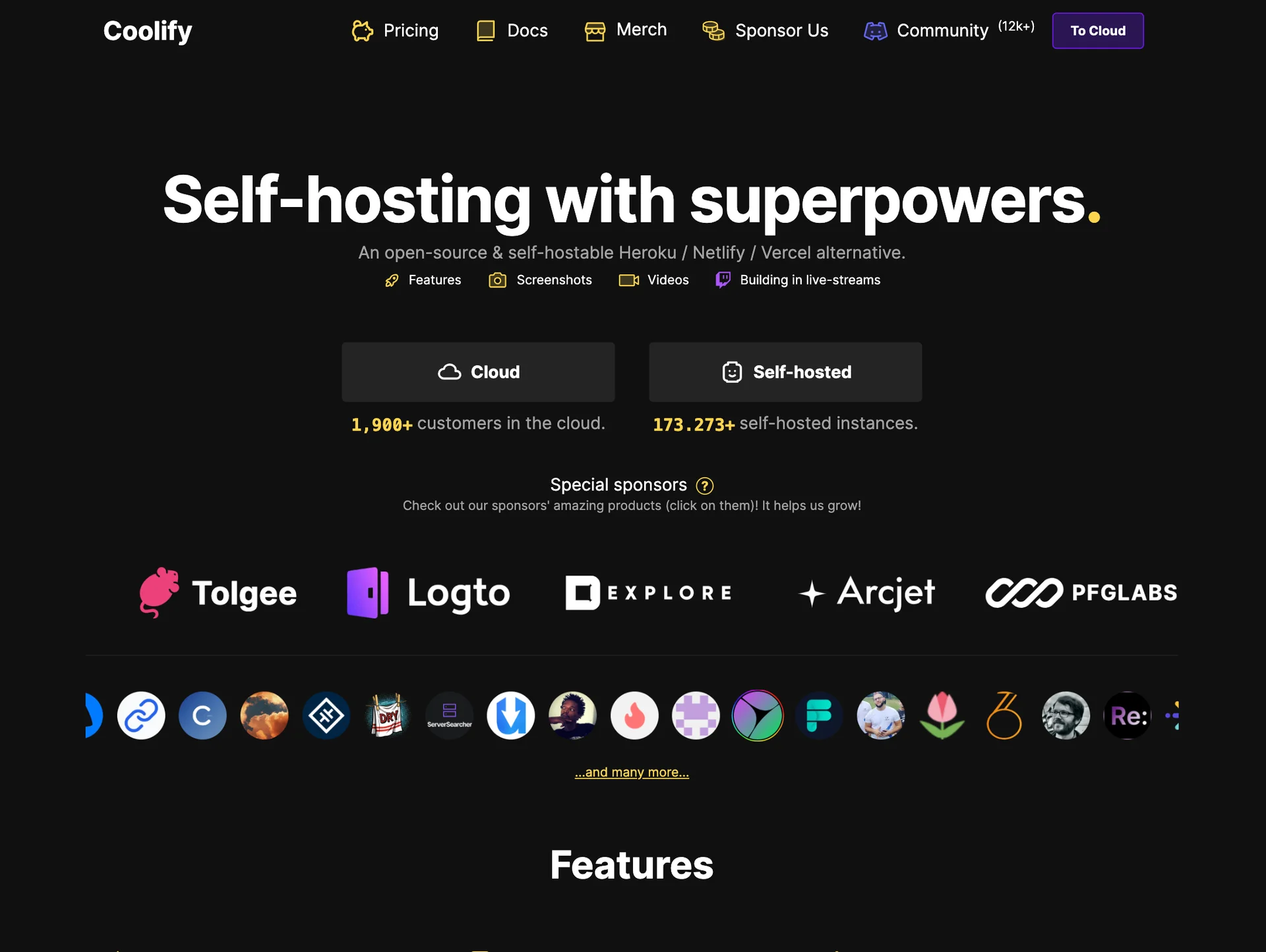
Running a web application on your own server involves more than copying code. The application has to be built, restarted, connected to a domain, served over HTTPS, and observed when something fails. Coolify is open-source deployment software that brings those jobs into one dashboard on a Linux server you control.
It is not a hosting provider and it does not supply the CPU, memory, disk, or network underneath the application. A common setup begins with a rented VPS, installs Coolify on that virtual machine, and deploys repositories through the panel. Coolify organizes the deployment; the operating system, capacity, application data, and recovery plan remain yours.
That boundary is why “a free Vercel” is a misleading description. The self-hosted control plane may be free. The server and the work required to operate it are not.
Where Coolify sits in the stack
Coolify is an open-source deployment and server-management layer. It connects to a Linux host, builds repositories, runs Docker workloads, and configures the network path around them. The application runs on a VPS, dedicated host, or another server that you provide.
Coolify Cloud changes who operates the Coolify dashboard, not who owns the application servers. The official usage guide says connected servers and the services running on them remain the customer’s responsibility.
The work it removes
- maintaining a separate deployment script and proxy file for every project,
- manually turning a Git update into a build and restart,
- tracking domains and TLS certificates in several places,
- managing containers, logs, and environment settings through unrelated commands.
That consolidation becomes more useful as several applications share the same infrastructure. It reduces accidental differences between hand-built deployment paths and makes their current state visible.
The work it cannot remove
The installation guide still begins with an SSH-accessible server, a supported Linux distribution, and Docker. With Self-Hosted Coolify, host security, firewall rules, updates, disk, memory, CPU, and network capacity remain operational concerns.
Backups expose the boundary clearly. Coolify’s own restore guide says an instance backup covers the control plane, not application data or mounted volumes. Databases and uploaded files need an independent off-server backup and a restoration procedure that has been tested.
Builds can also compete with production workloads when both share a small host. Coolify recommends at least two CPU cores, 2 GB of memory, and 30 GB of free storage, and warns that high resource use during builds can make the server unresponsive.
When the trade is reasonable
Coolify fits when you are willing to operate Linux and Docker, prefer to rent a known capacity envelope, and want applications to remain portable across servers. If you do not want host operations, the low VPS price is incomplete: the work included in a managed platform has moved onto your own calendar.
Evaluate the failure path before the happy deploy. Who patches the host? What detects a full disk? Where does the data return from? How does the application start on a replacement server? When those answers exist, Coolify can remove a great deal of deployment friction. Without them, it only puts a polished panel in front of unresolved operations.
Primary sources
- Coolify — Self-Hosted installation and server requirements
- Coolify — Cloud and Self-Hosted responsibilities
- Coolify — current pricing model
- Coolify — instance-backup scope
Product behavior and pricing were checked against official sources on July 28, 2026.
About the Author

Enes Kaymaz
Enes Kaymaz
Designs, writes code, and occasionally turns the two into a product.
Read More About Me →Related Posts
View All →
Who Watches the Agents? Why VibeConsole Became a Native Mac App
Running several coding agents makes tracking, not typing, the hard part. How VibeConsole handles it, why its notch forced a rewrite from Electron to native Swift, and when you should skip it.
Read More →
10 Interactive Three.js Sites Worth Exploring
Explore ten Three.js projects, from a city you can fly through to a paper character you can print, with live links and recordings of how each one works.
Read More →Subscribe to my newsletter
Get the latest updates on design, development, and tech trends.